Blood Pressure Monitor
Version 1.03 of February 13, 2026
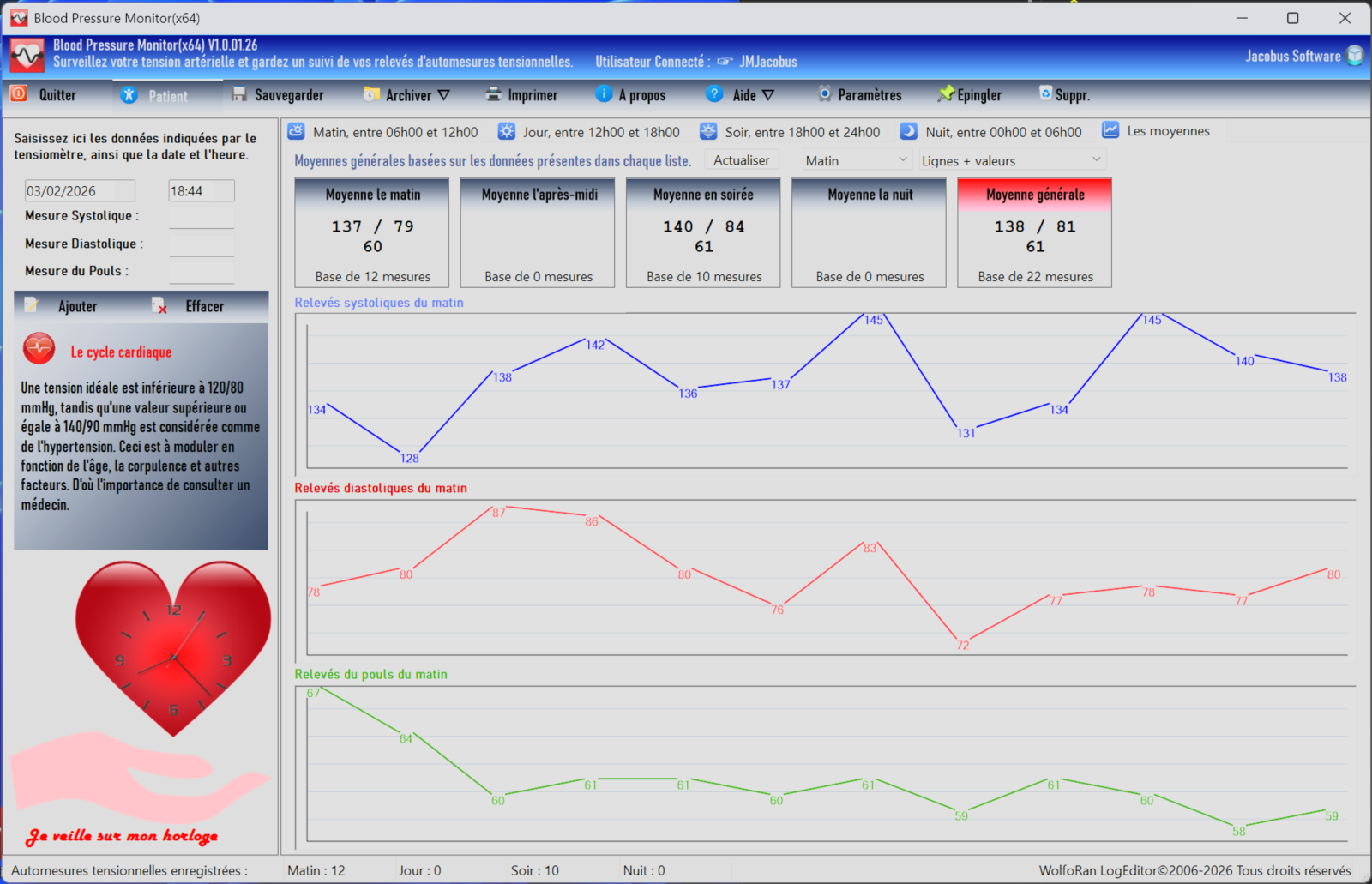
 main functions
Record your own blood pressure readings, those of your family members, and even, if you are a doctor, your patients' readings. There is no limit to the number of users/patients you can record.
Four measurement periods: morning from 6 a.m. to 12 p.m., afternoon from 12 p.m. to 6 p.m., evening from 6 p.m. to midnight, and night from midnight to 6 a.m. Each period is independent, allowing for faster and easier reading.
The average readings for each period are calculated very simply, as is the overall average including all readings. The real-time display of results is very clear and quick to review with the graphical graphs.
The data is displayed in a table and can be viewed in text or graph mode. It is saved to individual text files.
You can create archives of each user's data for later review.
Instant display of averages and graphs.
The graphs are customizable in appearance and update instantly whenever data is added or deleted. They automatically adapt to the window size.
 Dark mode
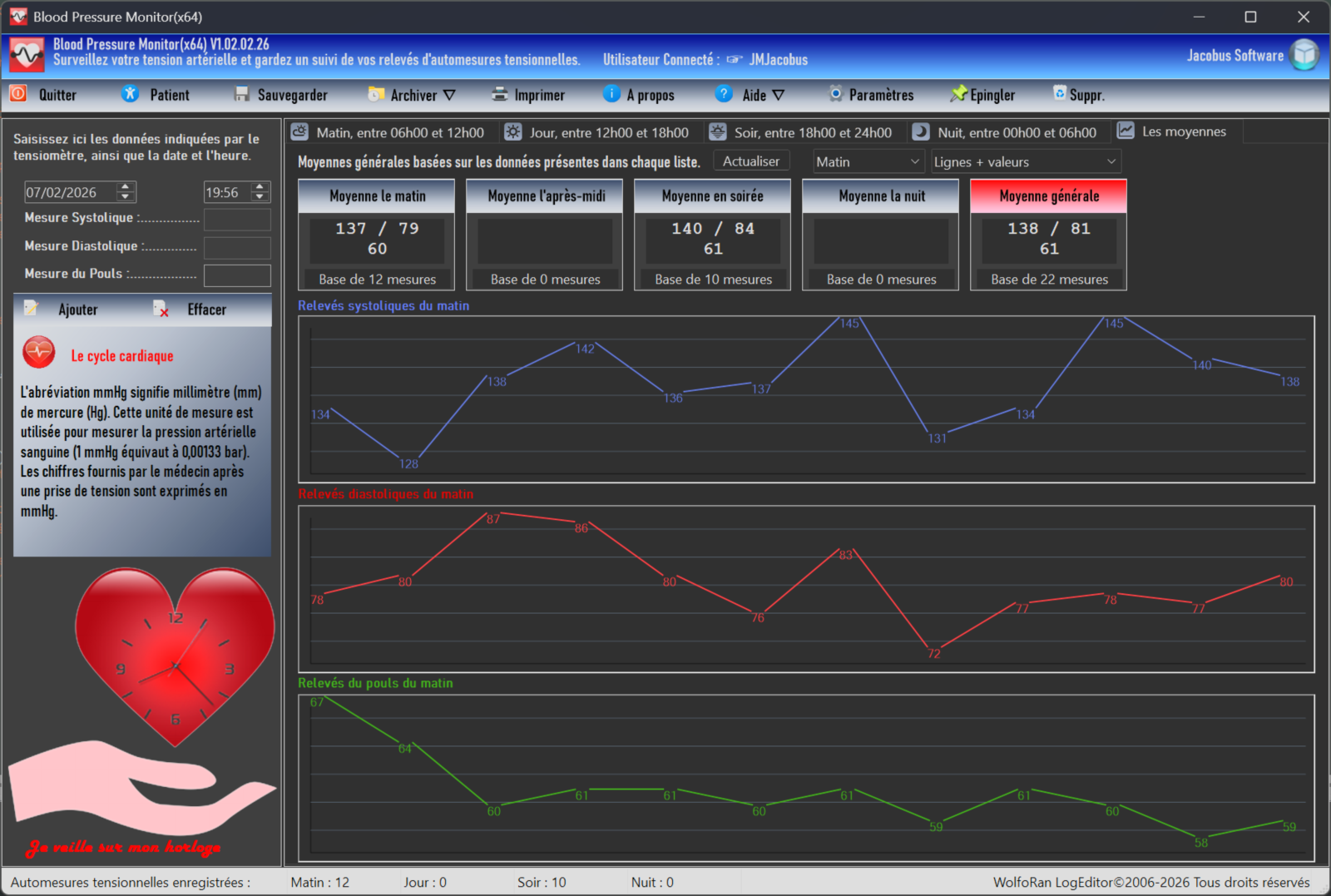
If you wish, you can enable dark mode for a black and gray user interface. This mode is disabled by default. Enable it in the usage settings by checking the option. You must then restart the program for the theme to apply.
Blood Pressure Monitor (Français)
Date : February 13, 2026
Langage : (FR) French
Version : 1.03.02.26
Fichier : bloodpressuremonitor-v1-03fr-setup-x86.exe
Download Blood Pressure Monitor (32 bits)
Fichier : bloodpressuremonitor-v1-03fr-setup-x64.exe Download Blood Pressure Monitor (64 bits)
Blood Pressure Monitor (Anglais)
Date : February 13, 2026
Langage : (EN) English
Version : 1.03.02.26
Fichier: bloodpressuremonitor-v1-03en-setup-x86.exe
Download Blood Pressure Monitor v1.03 (EN) 32 bits
Fichier: bloodpressuremonitor-v1-03en-setup-x64.exe
System requirements
- 32 or 64 bits
- Minimum screen resolution: 1024 x 768
- 512 MB of RAM minimum recommended.