WolfoRan Mes Contacts
Contact Manager
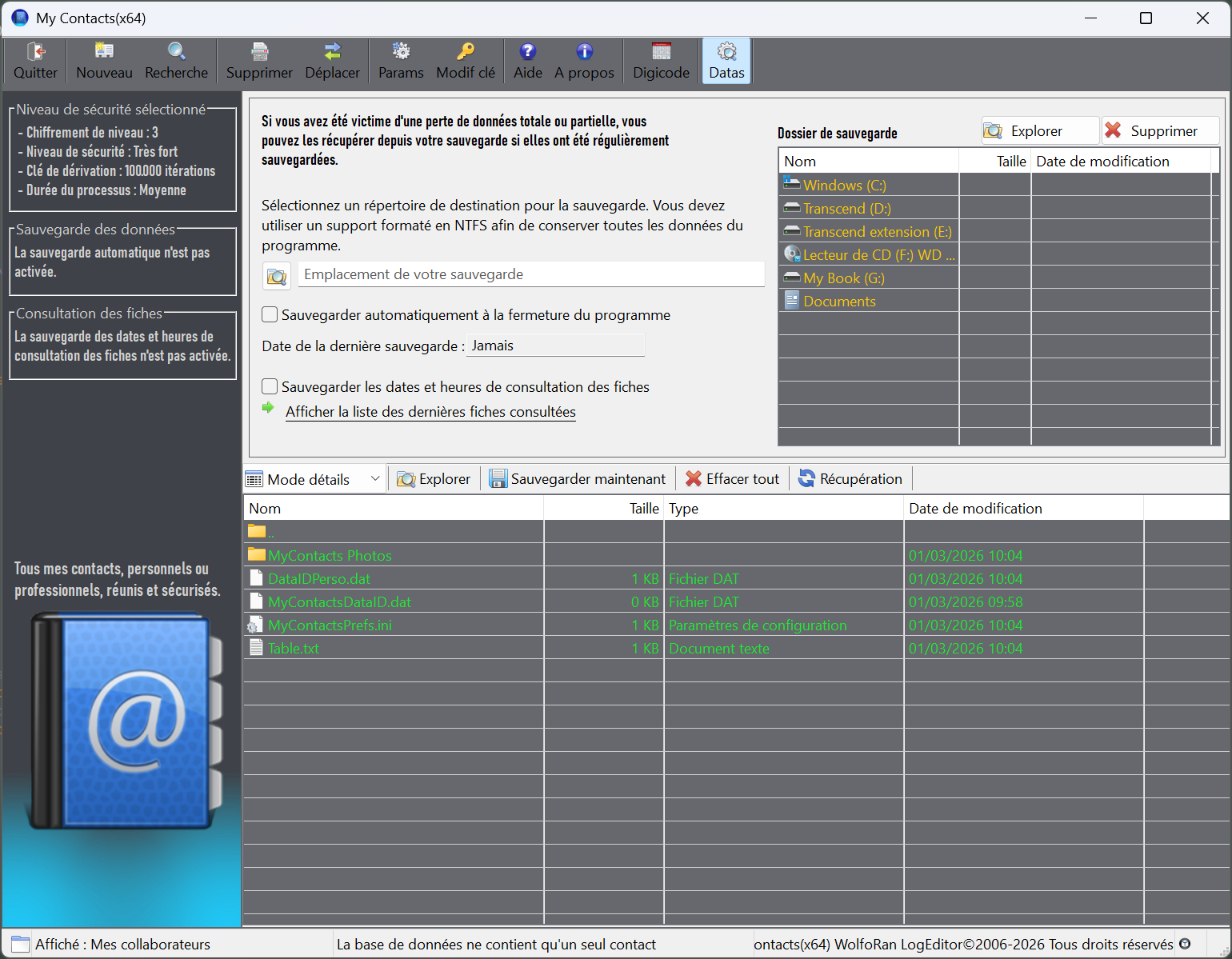
An advanced contact manager, "WolfoRan My Contacts" protects all the private data of your personal and professional contacts. It offers three categories of lists for better management:
Personal Contacts: containing the user's close friends, family, and acquaintances.
My Colleagues: containing the user's colleagues, for example, from their company.
External Professional Contacts: containing contacts related to the user's profession.
Creating a contact record
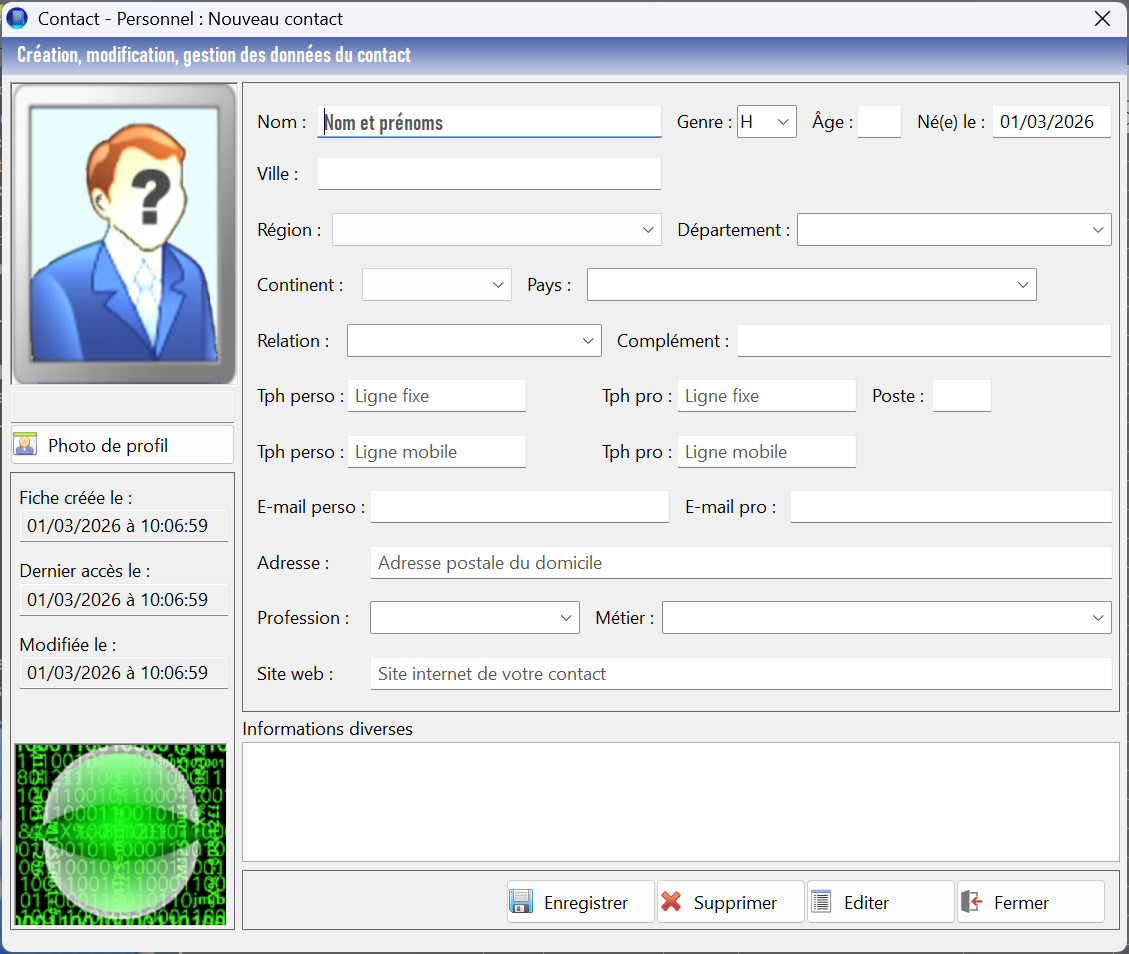
When creating an individual contact record, regardless of the category, a large amount of data can be entered. This includes personal information, profession, place of birth, and company. A "Miscellaneous Information" section allows the user to record any additional text data about the contact. Furthermore, if a photo of the contact is available, it can be added to the record.
From this record creation/editing window, an "Edit" button allows users to create an editable and printable RTF version of the contact record, if needed.
Secure data
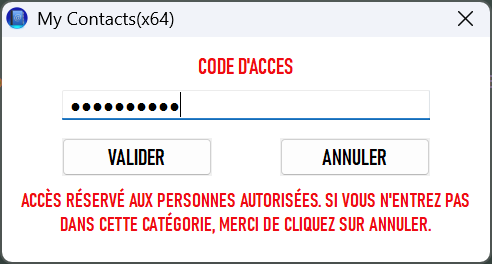
Upon first launch, the user must create a personal password, which will serve as the encryption key for data protection. All saved contact data, including photos, is automatically encrypted.
The more complex the password, the better the data protection. It must be composed of lowercase and uppercase letters, special characters, and numbers, and must be at least 8 characters long. However, 12, 24, or 32 characters is even better.
AES 256 and SHA3 512 encryption
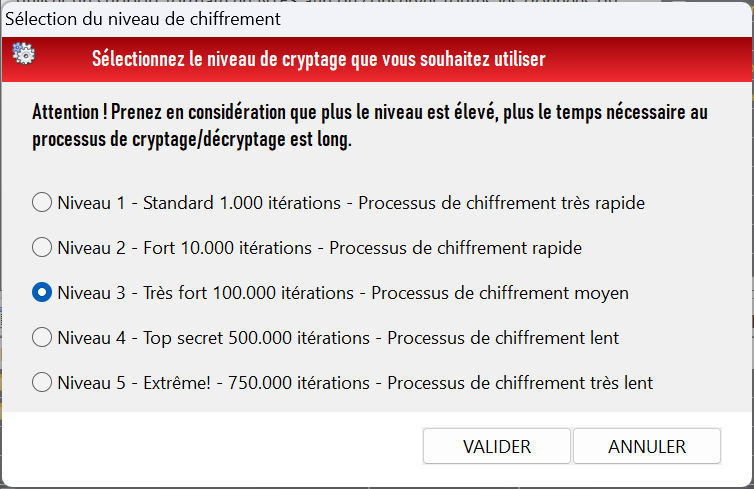
The encryption level is optional, allowing users to choose the level of security they want to implement to protect their contacts.
For comparison, the standard level of 1000 iterations corresponds to the encryption level used for data on the internet. This is already very good for contact data, but if you need more security, it's possible, though you should consider the time required for the encryption or decryption process.
Temporary security via keypad
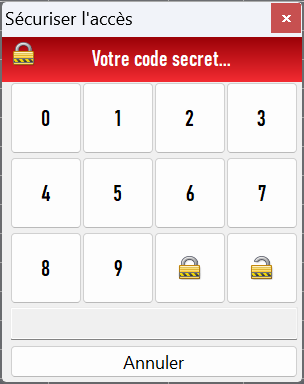
A keypad has been integrated into the program to allow users to step away from their workstation or home PC without having to completely close "WolfoRan My Contacts," especially if the chosen encryption level is higher than standard. This is a quick and reliable protection method for short periods.
For example, if a user needs to leave to use the restroom or go to another room for any reason, they can quickly restrict access to their contacts using the keypad. A code of at least four digits, chosen at the time of entry (avoid using birthdates), must be entered, and then the program must be locked by clicking the padlock icon. Upon returning, the user will need to enter the code to regain access. The code is for one-time use only and is deleted upon unlocking. However, the same code can be reused if the keypad is needed again.